See the console.
A quick walkthrough of what running your clubs on Viraldico looks like.
- 01
Patrons join without accounts
In library-mediated mode a patron takes part with just a display name. No account, no reading history stored anywhere. The console shows the roster as first names, never addresses.
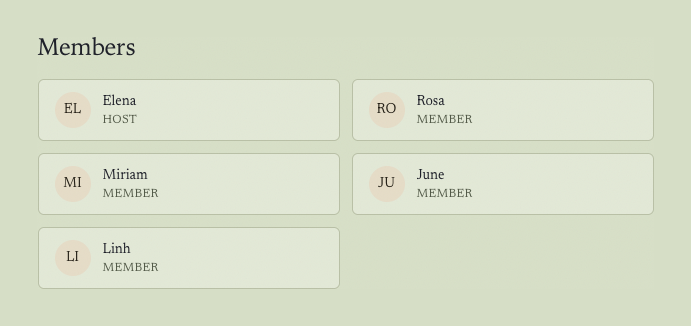
A club roster: names and roles, no addresses - 02
The board report, in one click
A year of programs becomes a single PDF, shaped for the IMLS survey and Project Outcome. A monthly club counts as twelve programs, not one, and the report builds itself.
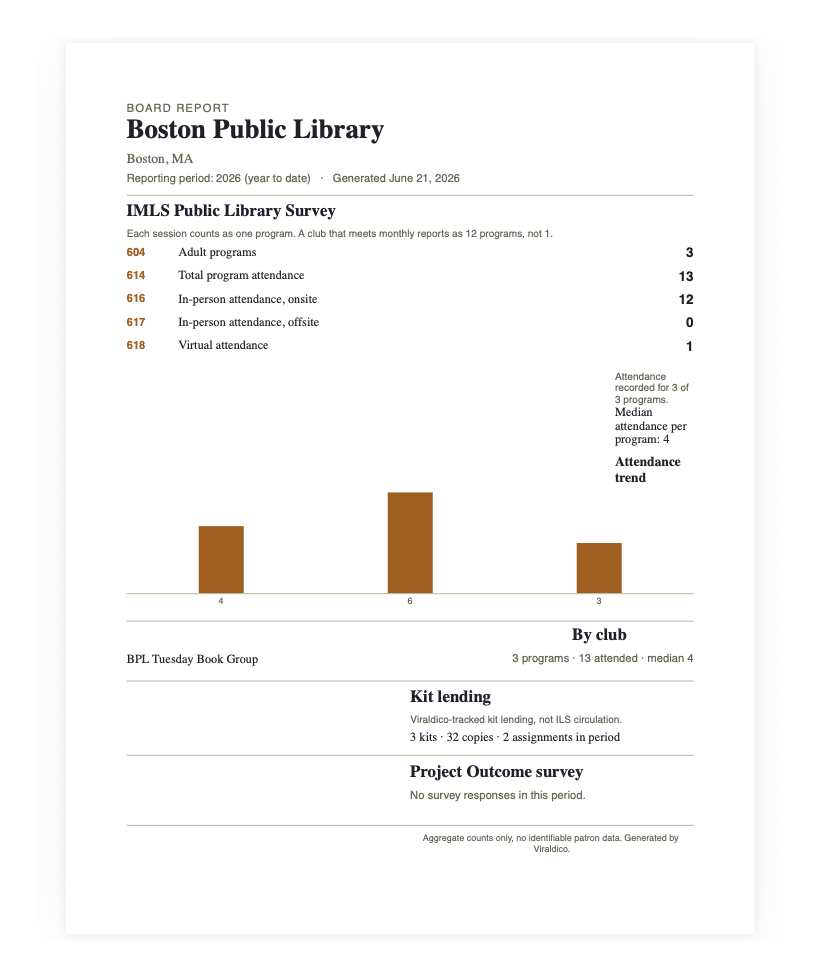
A board-ready report, aggregate counts only - 03
Meetings have a real date, time, and place
Every meeting has a location, RSVPs, and reminders, and anyone can add it to their own calendar. The club just shows up.
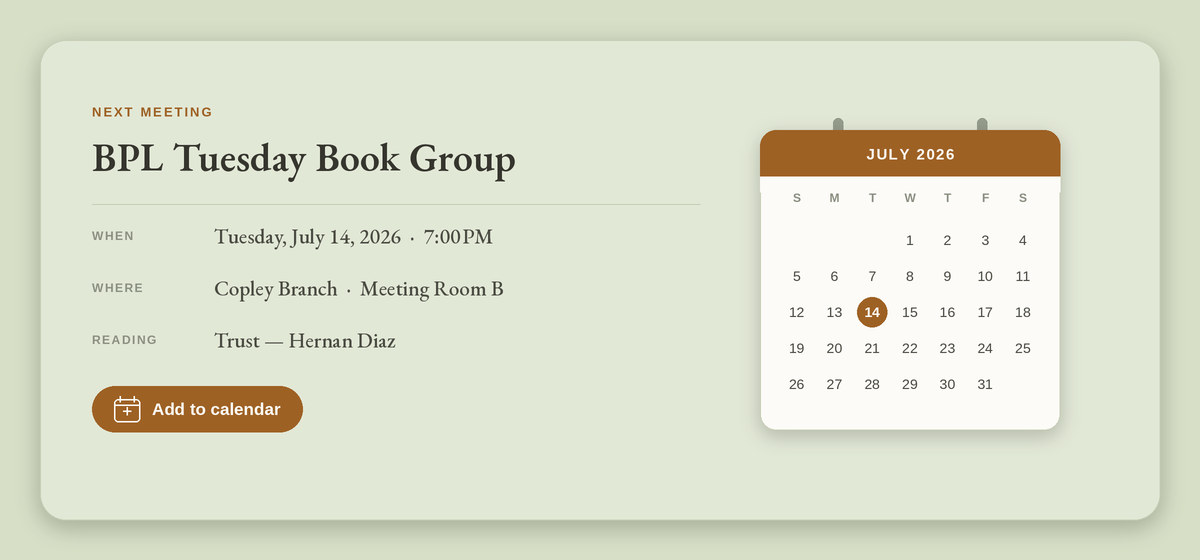
A meeting with a date, time, place, and add-to-calendar - 04
Kits, tracked
Track your book-club-in-a-bag kits as club assets, with status and the club they are out with at a glance.
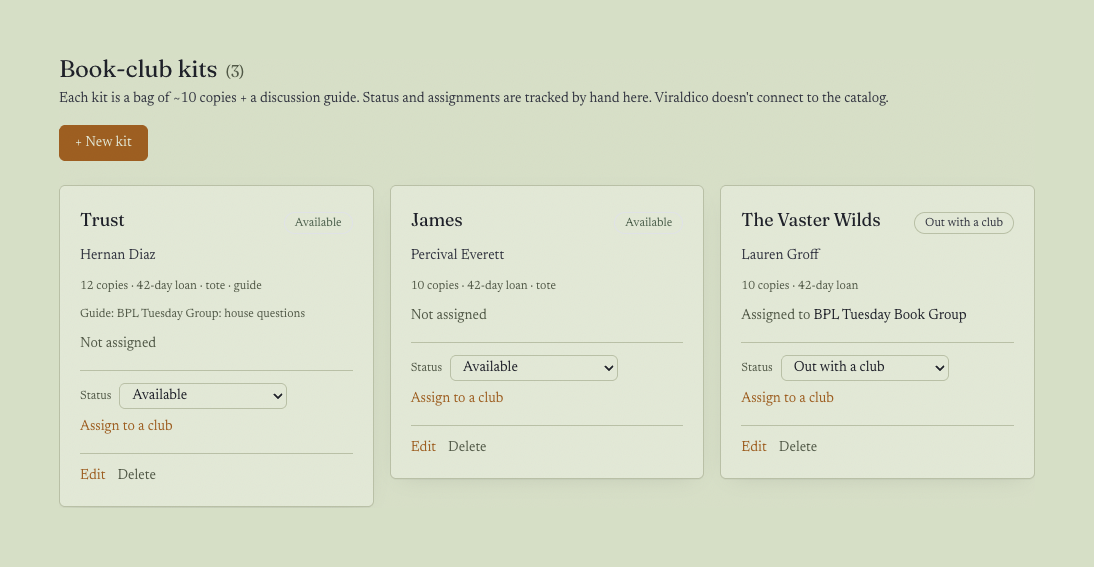
Book-club-kit tracking: copies, loan period, status
Want to try it with your own club?
Early pilots are free, and there is no procurement to clear. We set up your console and build the one integration you need alongside your staff.
Request a pilot